
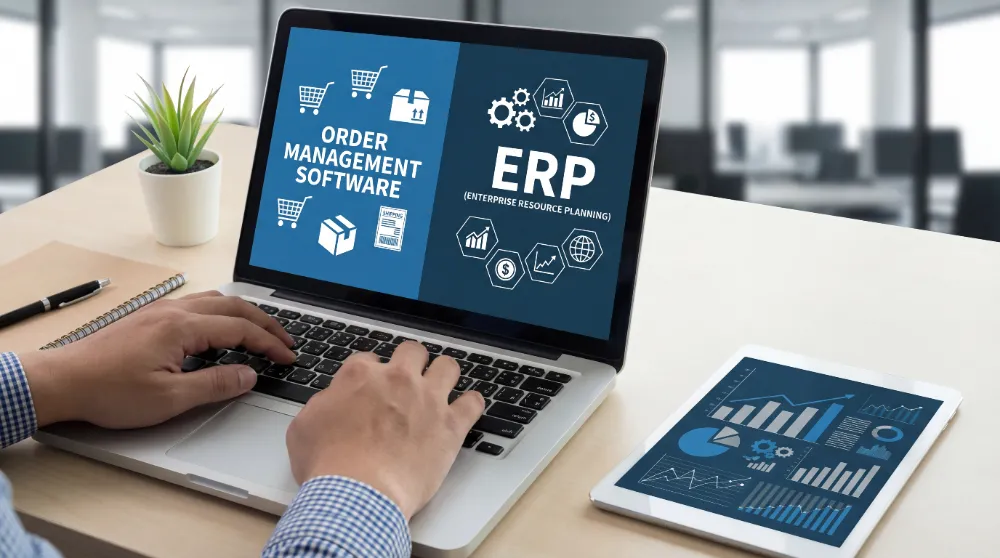
If your team is juggling spreadsheets, accounting tools, and emails to confirm orders, inefficiencies quickly add up. Many Australian distributors reach a stage where manual processes can no longer support growth, resulting in wasted time and slowing down daily operations.
As you open more sales channels and customers demand faster turnarounds, the choice between Order Management Software (OMS) and an Enterprise Resource Planning (ERP) system becomes a high-stakes decision. You can’t afford to guess.
This guide explains how OMS and ERP work in practice, so you can confidently pick the solution that fits your operation.
What Is Order Management Software (OMS)?
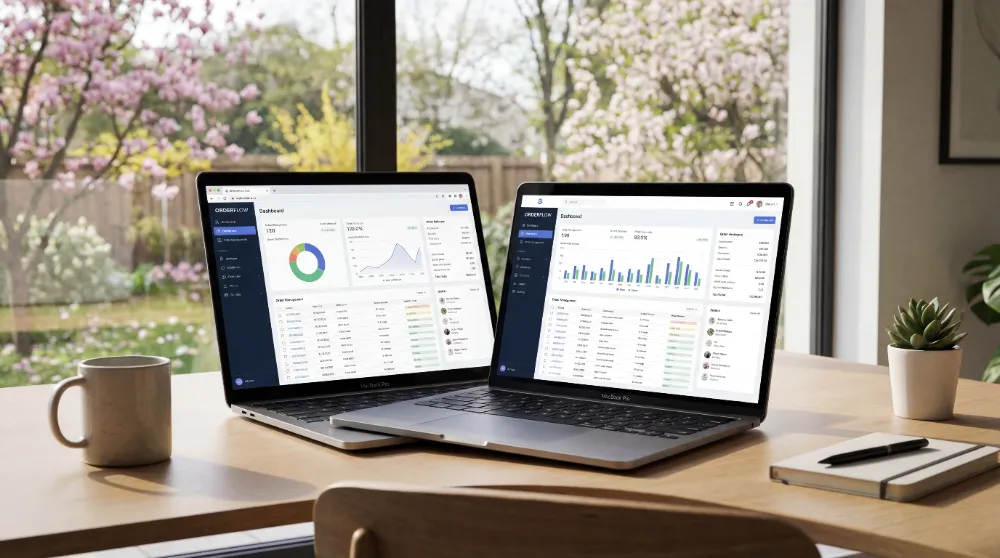
At its core, an OMS is built for one job: controlling the journey of an order from the second a customer clicks “buy” to the moment it’s dropped at their door. It’s the traffic controller for your sales flow that keeps everything visible across your warehouses and delivery teams.
A typical OMS handles tasks such as:
- Capturing orders from online stores, sales teams, or marketplaces.
- Updating inventory the moment an order is placed.
- Routing orders to the right warehouse or driver.
- Managing fulfilment status, delivery updates, and invoices.
- Processing returns and exchanges.
Real-World Example of an OMS in Action
At Sydney Coffee Roaster, they supply 50+ cafes that all need fresh beans by 6:00 AM. Before an OMS, mornings were a scramble of phone messages and messy “standing order” emails.
With an OMS, those cafes log in to a portal to place their own orders. The system automatically tags which orders need “Dark Roast” vs “Single Origin,” prints picking slips in the warehouse, and maps out the driver’s route to avoid Sydney’s morning bridge traffic. What once took four hours of admin now takes just 10 minutes.
What is Enterprise Resource Planning (ERP)?

An ERP is a much larger system. It’s designed to be the all-in-one brain for your entire company. It connects departments that typically don’t communicate. It doesn’t just look at orders; it looks at the whole business.
ERP typically covers:
- Accounting and financial reporting
- Purchasing and supplier management
- Production planning
- Inventory management
- Compliance and audit trails
Real-World Example of ERP in Action
Consider a large dairy manufacturer in Victoria. They don’t just ship milk; they manage the “Bill of Materials” for every litre. They use an ERP to track the cost of raw milk from farmers, the electricity used in pasteurisation, and the payroll for the factory floor, among many others.
If a batch of yoghurt is flagged for a quality issue, the ERP can trace the exact farm the milk came from and the 500 customers who received that specific batch. It connects the “dirt on the farm” to the “dollar in the bank,” providing a level of compliance and financial depth that an OMS isn’t designed to deliver.
OMS vs ERP: 7 Key Differences You Should Know
On the surface, OMS and ERP both manage orders. But take a closer look, and you’ll see they approach the tasks in very different ways. Let’s explore the key differences.
| Area | Order Management Software (OMS) | Enterprise Resource Planning (ERP) |
| Primary Focus | Sales, speed, and delivery | Company-wide control and finance |
| Setup Time | Usually weeks | Often months or a year |
| Typical Users | Sales reps, admin and warehouse staff | Accountants and managers |
| Daily Flexibility | Easy to change on the fly | Hard to move once set up |
| Initial Cost | Monthly subscription | Large upfront investment |
| Customer Impact | Noticed immediately | Mostly felt in the back office |
| Growth Path | Scaled via more sales channels | Scaled across more departments |
Below is a detailed explanation of the differences between OMS and ERP:
Primary Focus
The core goal of these tools depends on who is using them. An OMS is a specialised tool for transaction processing. For a Sydney coffee roaster, the OMS ensures that each cafe gets its espresso beans on time.
An ERP, on the other hand, is a system-wide planner. For the Victorian dairy, the ERP calculates the cost of the plastic bottle, the driver’s superannuation, and the equipment’s depreciation this month. It looks at the entire operation, not just individual orders.
Setup Time
Setting up and running a business feels very different with an OMS compared to an ERP. Since an OMS focuses specifically on order flow, it can usually be implemented and used within weeks.
An ERP, on the other hand, requires alignment across every department. Implementation often takes six to twelve months as financial and operational processes are mapped across the business.
Typical Users
The people using these systems daily have different priorities. An OMS is built for the doers, such as:
- Sales reps on the road, taking and managing orders
- Warehouse pickers scanning and preparing items
- Delivery drivers tracking and completing deliveries
- Customer service staff updating order statuses
An ERP is built for the planners, like:
- Accountants managing finances and budgets
- HR managers tracking payroll and staff performance
- Executives overseeing profit margins and operational efficiency
- Daily Flexibility
An Australian distributor needs the ability to respond quickly. If a driver calls in sick or a customer requests a last-minute change to a standing order, an OMS allows those updates to be made in seconds. It’s designed to handle the day-to-day realities of active trade.
ERPs are built around structure, which helps enforce control in large organisations. While this level of control is effective for preventing fraud, it also means that changing a workflow often requires specialist consultants and costly custom development.
Initial Cost
The upfront and ongoing costs are often the biggest difference between an OMS and an ERP for Australian small and medium-sized enterprises (SMEs). An OMS is typically a subscription model, which means you pay a monthly fee (usually AUD $500 to $2,500) that scales with your business.
Implementing an ERP requires a much larger financial commitment. The total upfront cost, including software licenses, consultants, and staff training, may range from AUD $50,000 to $200,000+.
Customer Impact
An OMS is designed with the customer at its core. It’s what gives them those “Out for Delivery” texts and accurate “In Stock” badges on your website. It’s all about making the buying process feel smooth and effortless.
An ERP’s impact is more behind the scenes. By making your manufacturing and operations more efficient, you ensure you don’t run out of products or raw materials. But it won’t necessarily make the actual ordering process any faster for the buyer.
Scalability
Lastly, consider how these systems help you grow. An OMS scales as you add more ways to sell, like opening a new online store or joining Amazon. It’s about handling more orders.
An ERP scales by adding departments, such as when you move from distributing products to manufacturing them. It’s about gaining greater control over your operations.
Can Order Management Software and ERP Work Together?
You don’t necessarily have to pick a side. In fact, many successful Australian wholesalers use both. They use a specialised OMS to handle the high-speed hustle of daily orders and deliveries. The data from the OMS then flows automatically into a back-end ERP or a robust accounting tool like Xero for end-of-month reporting.
This hybrid approach gives your staff a fast, simple tool for daily operations, while your finance team gets the detailed data they need to keep the books accurate and up to date.
How to Choose the Right Order Management System in Australia
While some businesses use both an OMS and an ERP, many companies need to choose an order system that best fits their current challenges. The right choice depends on where your business is struggling the most. For example, if your warehouse operations are disorganised but your finances are in order, your priorities will differ from a business struggling with production costs.
To help you choose between OMS vs ERP, here are a few key points:
Order Management Software is usually The Better Move if:
- Your biggest headaches are delivery mistakes and slow packing.
- You sell through a mix of sales reps, websites, and phone calls.
- You need a solution that works right now, not in twelve months.
- You want to keep your current accounting software (like Xero or MYOB) exactly as it is.
- You need better visibility and control over inventory and orders
An ERP Makes More Sense if:
- You manufacture your own products and need to track raw materials and labour costs.
- You have multiple companies or international branches that need consolidated reporting.
- You want to delete five other apps and put Payroll, HR, and CRM into one single system.
- You have the budget and the patience for a major, long-term project.
Conclusion
Choosing between an OMS and an ERP is about picking the system that best fits your business right now. For a better decision, take a look at your daily workflow. If delays and errors start on the warehouse floor or during deliveries, an OMS is often the practical next step. If issues sit with financial reporting or enterprise planning, an ERP may make more sense.
For businesses seeking to simplify ordering, inventory, invoicing, and deliveries without adding unnecessary complexity, EasyVend offers a focused OMS approach that integrates seamlessly with existing accounting systems.